
Two modes, one goal
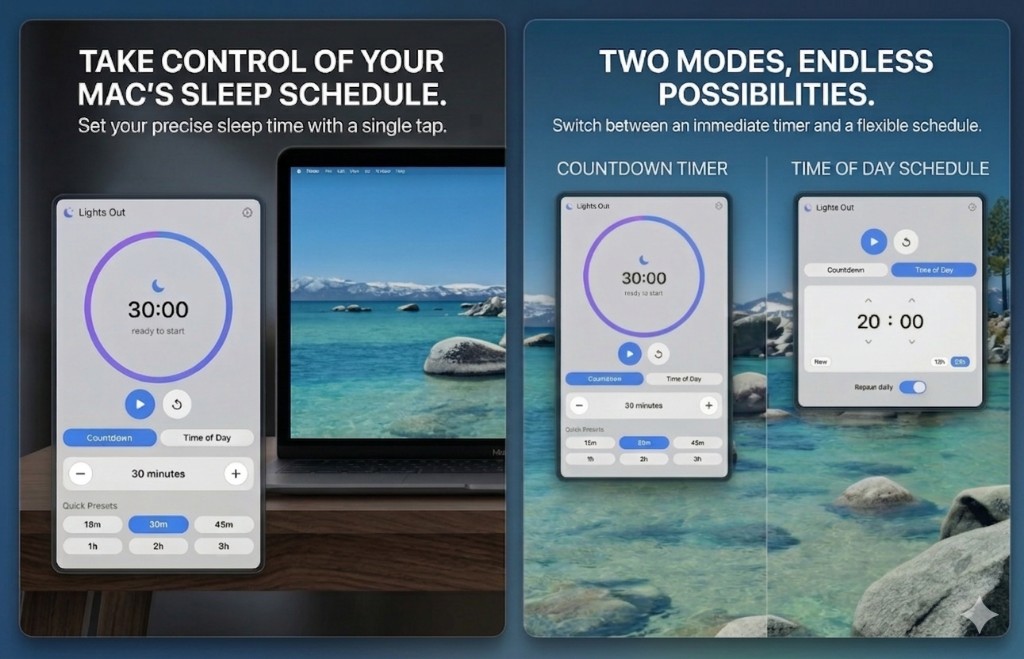
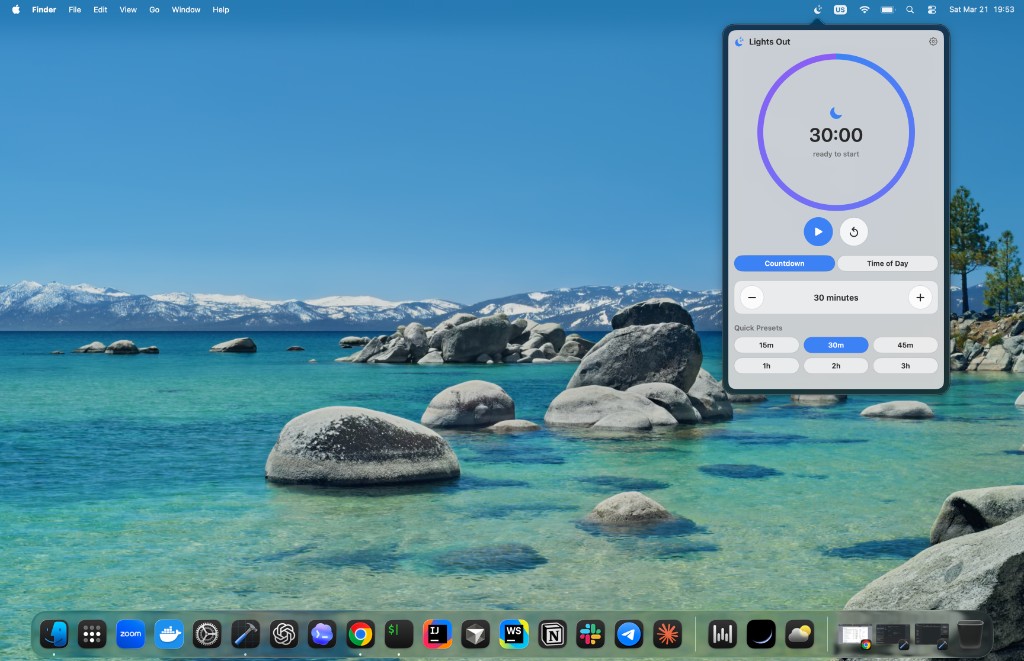
Switch between a countdown for “sleep in 30 minutes” and time of day for “always at 8:00 PM.” The UI keeps the same calm ring and controls so muscle memory carries over.
macOS menu bar app
Lights Out is a focused sleep timer for Mac: start a countdown with one tap, or pick a time of day and optionally repeat it every day—without sending data off your machine.
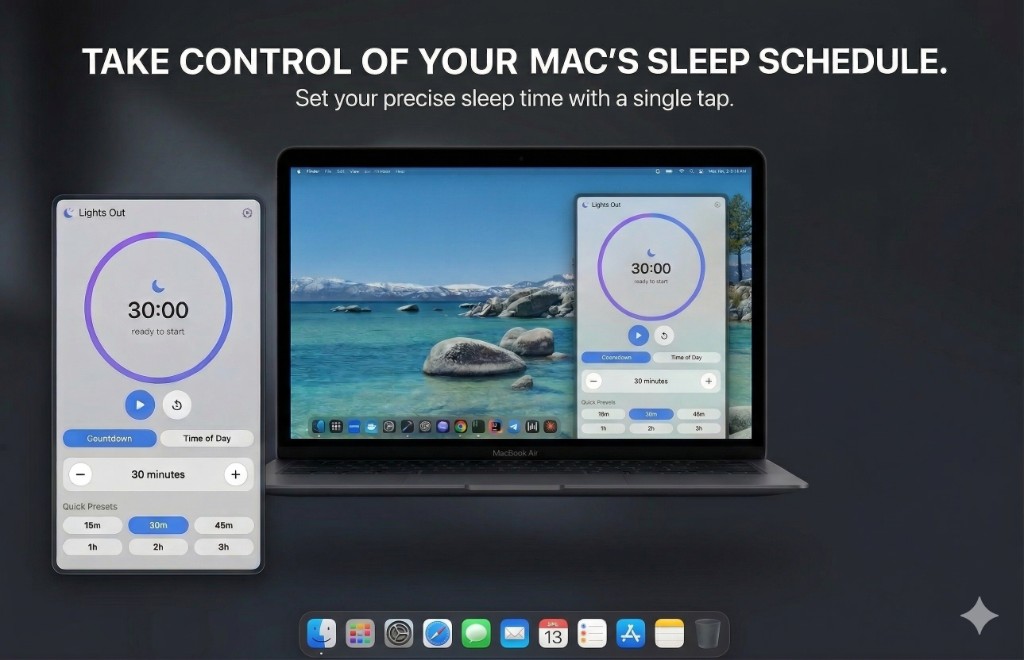
A calm, native-feeling utility that tells macOS when to sleep—whether you need thirty more minutes of work or a fixed bedtime for your machine.
Stay in flow with a large circular timer, sensible presets, and optional notifications so you are never surprised when sleep is near.
Everything you need, nothing you do not
Built around two modes—immediate countdown and clock-based scheduling—with the kind of polish you expect from a real Mac app.
Set duration with a stepper or jump to presets from 15 minutes up to 3 hours. Start, pause, and reset without digging through settings.
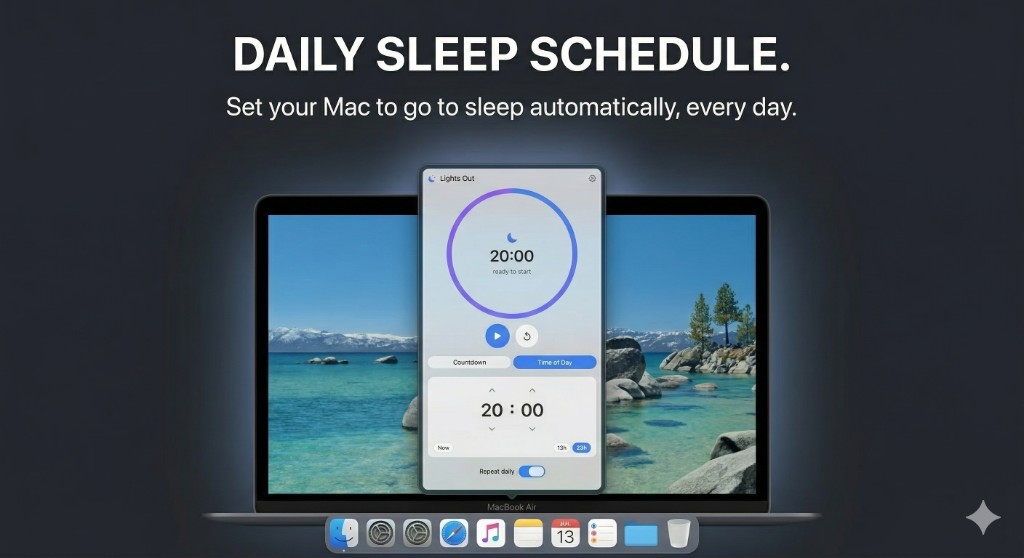
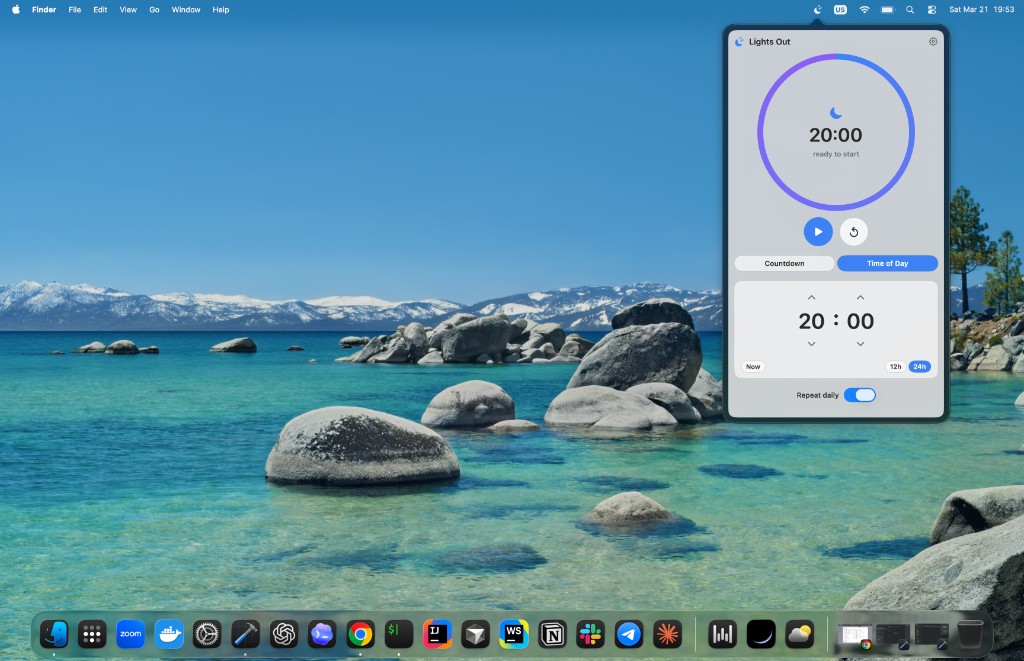
Pick an exact clock time for sleep. Switch between 12-hour and 24-hour formats to match how you think about the day.
Automate a consistent routine: enable daily repeat so your Mac winds down at the same time without extra taps.
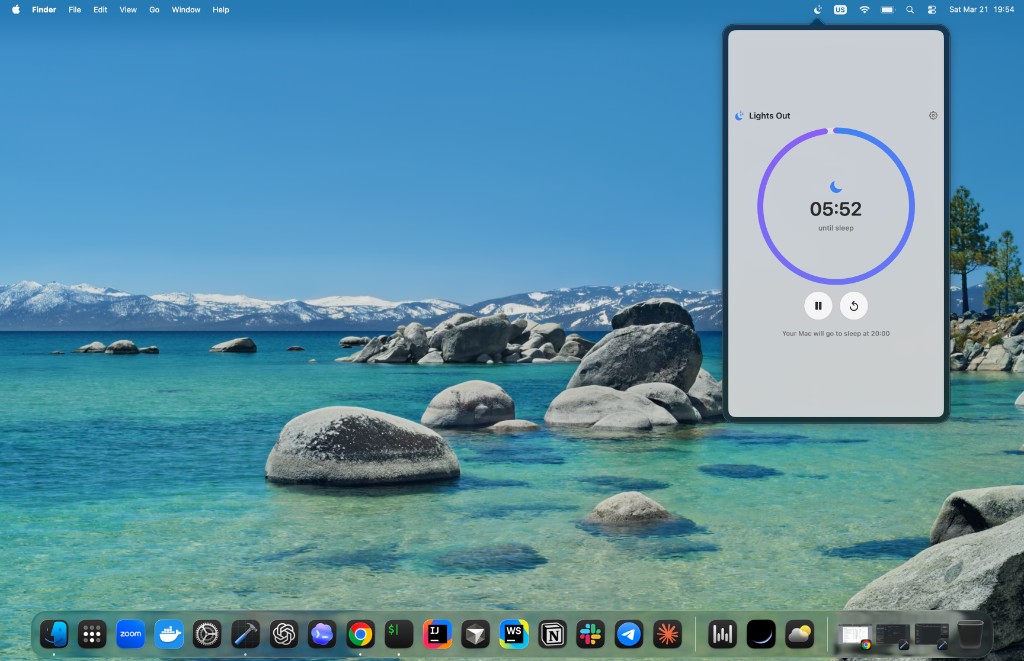
Lives in the menu bar for quick access. Glance at the countdown while you work—no extra window cluttering your desktop.
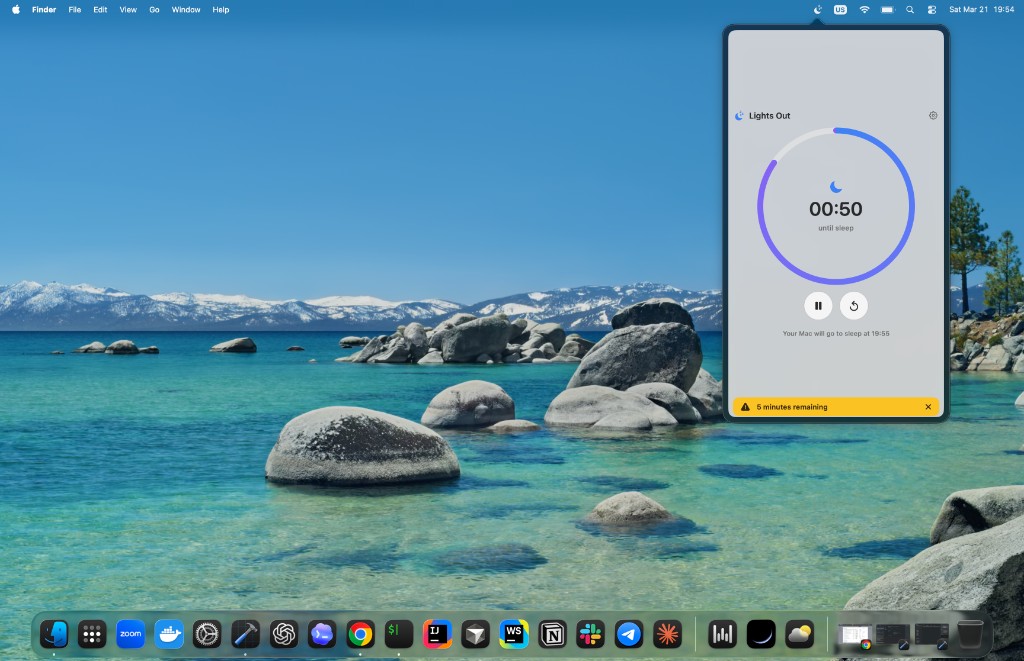
Optional in-app warning before sleep (for example, five minutes out) so you can save work or extend the timer.
No analytics, no accounts, and no network calls. Preferences stay on your Mac. Read the full story in our privacy policy.
Promo visuals
Stylized shots that highlight modes, automation, and the overall experience—great for sharing or the App Store page.
Switch between a countdown for “sleep in 30 minutes” and time of day for “always at 8:00 PM.” The UI keeps the same calm ring and controls so muscle memory carries over.
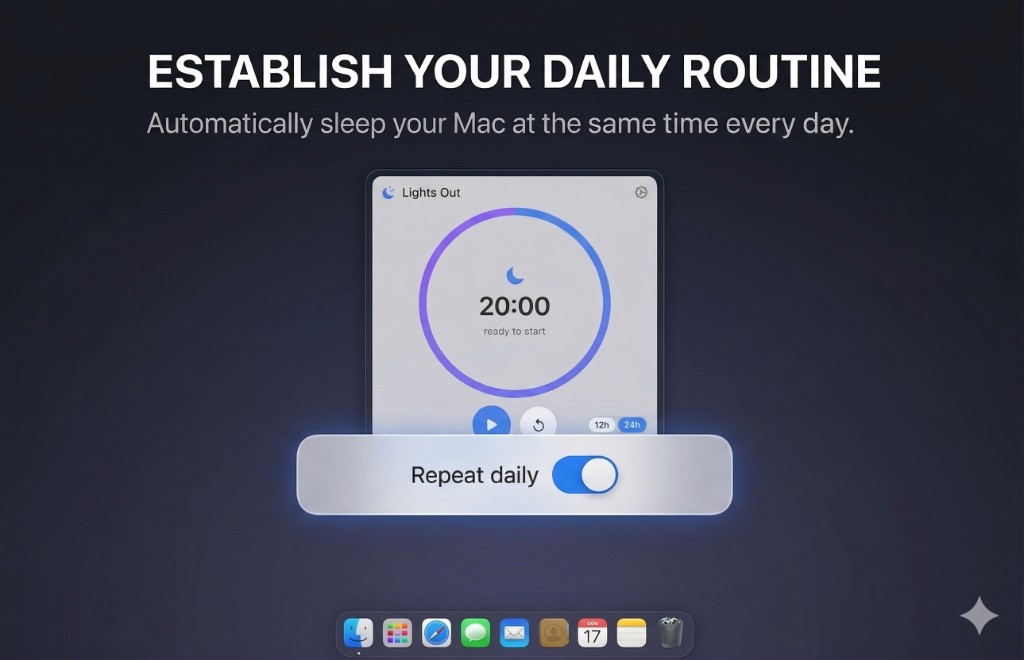
When you want the same shutdown rhythm every night, combine time-of-day scheduling with Repeat daily. Lights Out focuses on clarity: one toggle, obvious state, no buried schedules.
Set the target time, refine with quick actions like “now” or common offsets, and let the ring show you when the Mac will rest. The interface stays compact and readable on real desktops—not just mockups.
Screenshots
Unedited captures showing the app alongside a typical desktop—menu bar icon, countdown, and status copy exactly as you will see them.
Lights Out is developed by KorApps. Reach out if you want to report an issue, suggest a feature, or talk about a custom build.
Email contact@korapps.dev